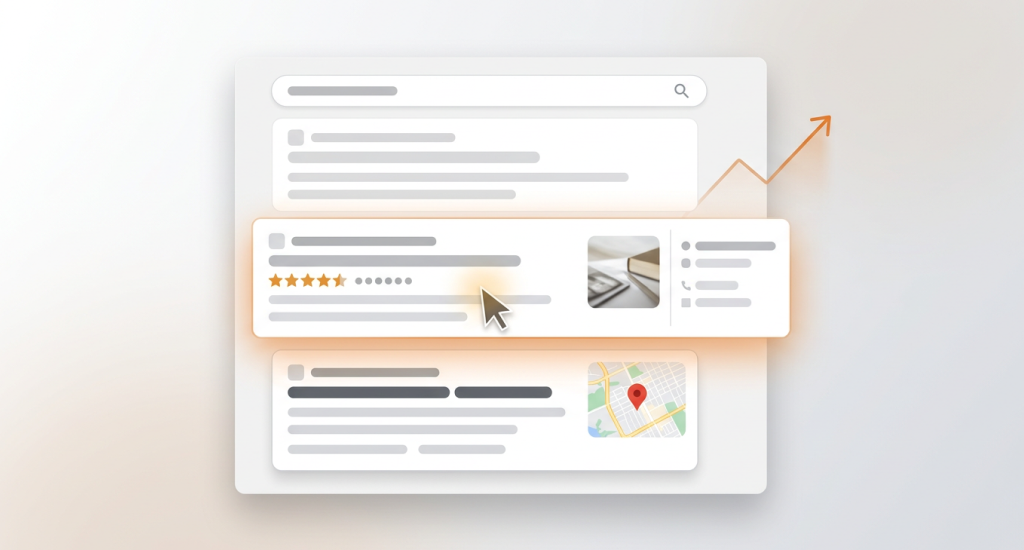
You can improve Local SEO CTR by making your business look clear and attractive on Google. Try to update your title tag and meta description. Improve your Google Business Profile with strong photos and real reviews.
Use structured data so search results show extra details. You do not need a higher rank to win more clicks. CTR depends on how useful and trustworthy your result looks on the search page.
However, this guide shares simple and proven steps that bring fast results. So, you should keep reading to learn the facts.
What Increases Local SEO CTR the Fastest?
You can boost local SEO CTR fast by improving how your business looks on Google. Clear photos, strong reviews, and smart titles help you increase clicks on Google without changing your rank.
Visual Power on the Search Page
Your SERP appearance matters a lot. People notice images first. You should add real photos to your Google Business Profile. Use bright and clear pictures of your shop, team, and work. It creates strong visual prominence. A listing with photos looks active and real. A listing without photos looks empty.
Reviews Build Instant Trust
Reviews act as proof. Star ratings show quality in seconds. Users trust businesses with many recent reviews.
- Ask happy customers for honest feedback.
- You should reply to reviews in a polite way.
- Keep your rating above 4.0 stars.
These steps send strong relevance signals to users. Trust results in action.
Titles That Create Urgency
Your title tag can change everything. Compare these two:
“Plumbing Company”
“Emergency Plumber – 24/7 Fast Help”
The second one feels urgent and helpful. People click what solves their problem fast. Keep in mind, clear service words bring more attention.
Rank Is Not Everything
Many think a higher rank means more clicks. That is not always true. A result in position three with a strong title and reviews can get more clicks than position one with weak details. Users scan fast. They choose what feels safe and useful.
Small visual changes often bring quick results. You should focus on appeal, not only position.
How to Improve Google Business Profile CTR?
You can improve Google Business Profile CTR by updating your profile with clear services, fresh photos, useful Q&A, and strong attributes. Google shows these details in bold areas on the page. It also helps Google Maps CTR optimization because users see more reasons to click before they visit your website.

Add Clear and Keyword-Rich Services
Your services list should match what people search for. Do not write only “Repair” or “Consulting.” Be specific. You should use service-level keywords like “AC repair in Dhaka” or “Home plumbing service.”
Clear service names help Google understand your business. They also show up inside your profile. It acts like a small ad inside the search result.
Use Fresh and Geo-Tagged Photos
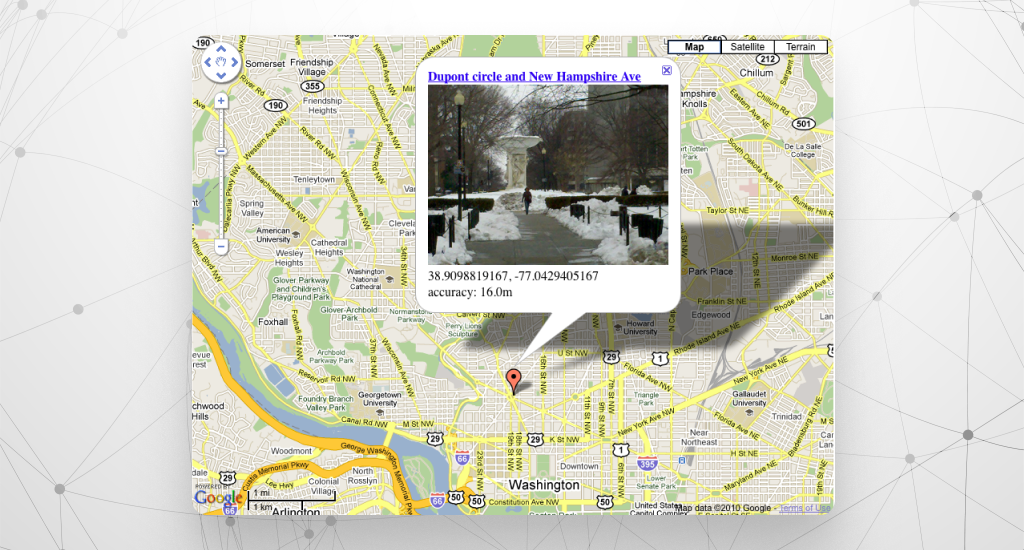
Photos increase trust very fast. You should add real pictures of your office, team, tools, and finished work. Geo-tagged photos show location data. It tells Google your business is active in that area.
More photos create a stronger visual impact. A profile with many real images looks alive. Users tend to click profiles that feel real.
Add Strong Attributes and Highlights
Attributes appear as small labels under your business name. These labels catch attention.
- 24/7 service
- Online appointments
- Veteran-owned
These short tags work like “micro-rich results.” They stand out inside the profile. Users scan them quickly and decide fast.
Build a Helpful Q&A Section
The Q&A area answers common doubts. Add simple questions like “Do you offer same-day service?” Then provide clear answers. It saves time for users and builds trust.
You can also track clicks with UTM parameters in your website link. It can help you measure results.
Small updates inside your profile can bring quick gains. Google highlights active profiles. That extra detail often leads to more real clicks.
Why Photos Dramatically Increase CTR?
Photos raise clicks because they reduce doubt. Strong GBP photo optimization builds trust before users read text. You should use high-resolution images, not blurry ones. Close-up service photos and real equipment photos work better than logos.
Geo-tagged images often index faster on Google. Clear visuals create comfort, and comfort helps in increasing click-through rate on Google.
How to Improve Organic CTR for Local Pages?
You can increase organic CTR by rewriting your title tags and meta descriptions with clear intent and strong emotion. Match your words with what people search. When users see exact answers to their needs, they generally click. You must also optimize meta titles so they look helpful and urgent on Google.
Your title tag is the blue headline in search results. Meta descriptions are the short text under it. Both shape first impressions. Strong words create real trust and action.
Here are three simple title templates you can use:
- {Service} in {City} – Fast, Affordable & Trusted Local Experts
- Need {Service}? 24/7 Local Help – Call Now
- Rated ★★★★★ | {City} {Service} | Same-Day Availability
These formats work because they show value fast. They include location, trust proof, and speed. That matches user intent.
Emotional hooks also matter. Words that show safety, speed, and savings attract attention. Also, clear value props explain why someone should choose you.
You can add high-CTR phrases like:
- Same-day
- Certified
- Affordable
- Free Estimate
You should place these words inside your title tags or meta descriptions when true. Do not stuff too many keywords. Keep it natural and direct.
When your title speaks to the exact need of the user, natural clicks increase. Simple changes in wording often bring strong results without any rank change.
How Reviews Boost Local CTR?
Higher review volume and keyword-rich reviews raise star rating CTR because Google shows bold phrases inside review snippets. Users notice these words fast. Strong ratings and clear feedback create trust in seconds. More trust often means more clicks.
- Average Rating Matters: A rating above 4.0 stands out. Many users scan stars before reading anything else. A high average rating sends a quick quality signal.
- Keyword-Rich Reviews: When customers mention services like “AC repair in Dhaka,” Google may bold those words in search results. Bold text grabs attention and improves relevance.
- Structured Data for Star Display: Add structured data on your website. It is a small code that helps Google show stars in organic results. Star icons make your listing look stronger than plain blue links.
- Simple Review Request Template: You can send this short message:
“Hi [Name], thank you for your support. Could you share a short review about our [service]? Your feedback helps others choose with confidence.”
Which Schema Markups Improve Local SEO CTR?
The best schema for CTR includes the Review schema, the FAQ schema, and full local business structured data. These markups help Google show rich results. Rich results take more space on the search page. More space means more attention. And, more attention often means more clicks.

- LocalBusiness schema adds key details like name, address, phone, and hours.
- Review schema can show star ratings in search results.
- FAQ schema displays common questions under your listing.
- Service schema explains the exact service you offer.
When your result shows stars, FAQs, and service details, it looks stronger than plain text. This extra detail improves click probability because users see answers before they even open your page.
Here is a simple mini-schema example for a service page:
{
“@context”: “https://schema.org”,
“@type”: “Service”,
“serviceType”: “AC Repair”,
“provider”: {
“@type”: “LocalBusiness”,
“name”: “CoolAir Services”
},
“areaServed”: “Dhaka”
}
Small code. But you will get a big visual impact on search results.
How to Measure CTR Gains Correctly (Most Businesses Fail Here)
You can measure CTR accurately by tracking each source separately. You can use UTM tracking for your Google Business Profile links and Search Console for organic pages. Segment results by page and search query to see real improvements. Without proper tracking, businesses think CTR grows, but have no proof.
Track Organic CTR with Search Console
Search Console shows impressions vs clicks for each page and query. It helps identify which title, description, or snippet changes actually increase clicks on Google. You can see which keywords bring traffic and which listings users ignore.
- Example: A plumbing service page may get 2,000 impressions but only 50 clicks. After updating the title with urgency, clicks can rise to 120.
Measure GBP and Google Maps CTR
For Google Business Profile and Maps, use UTM parameters in your website link. Each campaign can have its own UTM so you know which clicks come from your profile. Map pack CTR is often higher for urgent services because users see stars, hours, and reviews at a glance.
- Example: “Emergency Plumber – 24/7 Fast Help” in Maps gets 8% CTR; organic page ranking #3 with a weak title may get 3% CTR.
Segment by Page and Query
Don’t rely on overall CTR. You should break it down by page or service. Some pages perform better because they match user intent. Segmenting shows exactly which changes bring results.
Know What “Good” CTR Looks Like
Local service businesses can aim for:
- Google Business Profile: 5-10% CTR typical, 10%+ is strong
- Organic search top 3: 8-15% CTR for high-intent local queries
Proper measurement lets you see which local search CTR strategies truly work. Also, it can avoid wasted effort on changes that don’t increase clicks.
Common CTR Mistakes That Hurt Local Businesses
Many local businesses lose clicks because of simple errors. Knowing CTR mistakes helps fix them fast. Low CTR often happens not from ranking, but from how your listing looks and feels.
Poor Titles and Descriptions
Weak or generic titles and meta descriptions fail to attract attention. “Plumbing Company” is vague. Many users skip it.
Quick Fix: You can add clear, urgent, and benefit-driven text. Example: “Emergency Plumber – 24/7 Fast Help.”
No Google Business Profile Q&A
Missing Q&A sections leave questions unanswered. As a result, many users hesitate to click.
Quick Fix: You should add 5-10 common questions with clear answers. Try to answer simply and include key services.
Inconsistent NAP
NAP (Name, Address, Phone) that differs across directories or listings confuses users and Google.
Quick Fix: Standardize your NAP on all platforms and GBP. You should also check for typos or old numbers.
Bland GBP Photos
No real images or low-quality visuals reduce Google Maps CTR. Users ignore listings that look empty or fake.
Quick Fix: You should upload fresh, high-resolution service photos, team images, and office shots. Geo-tag images when possible.
No Review Strategy
Few or outdated reviews weaken trust. Star ratings and keyword-rich reviews drive clicks.
Quick Fix: Ask satisfied customers for recent reviews. You should respond politely to all reviews. Track ratings to stay above 4.0 stars.
Avoiding these mistakes is often the fastest way to improve clicks. Small updates in metadata, photos, Q&A, and reviews usually boost CTR for local businesses immediately without needing a higher rank.
Final Thoughts
You can improve Local CTR by focusing on SEO CTR best practices like visibility, trust, and SERP persuasion, not just ranking higher. The most effective actions are simple but powerful.
You should optimize your Google Business Profile with photos, attributes, and posts; rewrite titles and meta descriptions for clarity and urgency. Also, you should build strong, keyword-rich reviews that show real trust.
These steps make your listing stand out, grab attention, and encourage clicks. Even small changes in these areas can quickly increase traffic and engagement from local search results, without needing top rankings.
FAQs
What is a good CTR for Local SEO?
Does CTR affect local rankings?
How can I increase CTR without changing my ranking?
Why is my CTR dropping?